Need a website that wins clients?Webteqno builds flat-price small business websites, live in 2–3 weeks. No retainer.Get a free quote →
Professional logo asset workspace
Prepare brand-ready logo exports
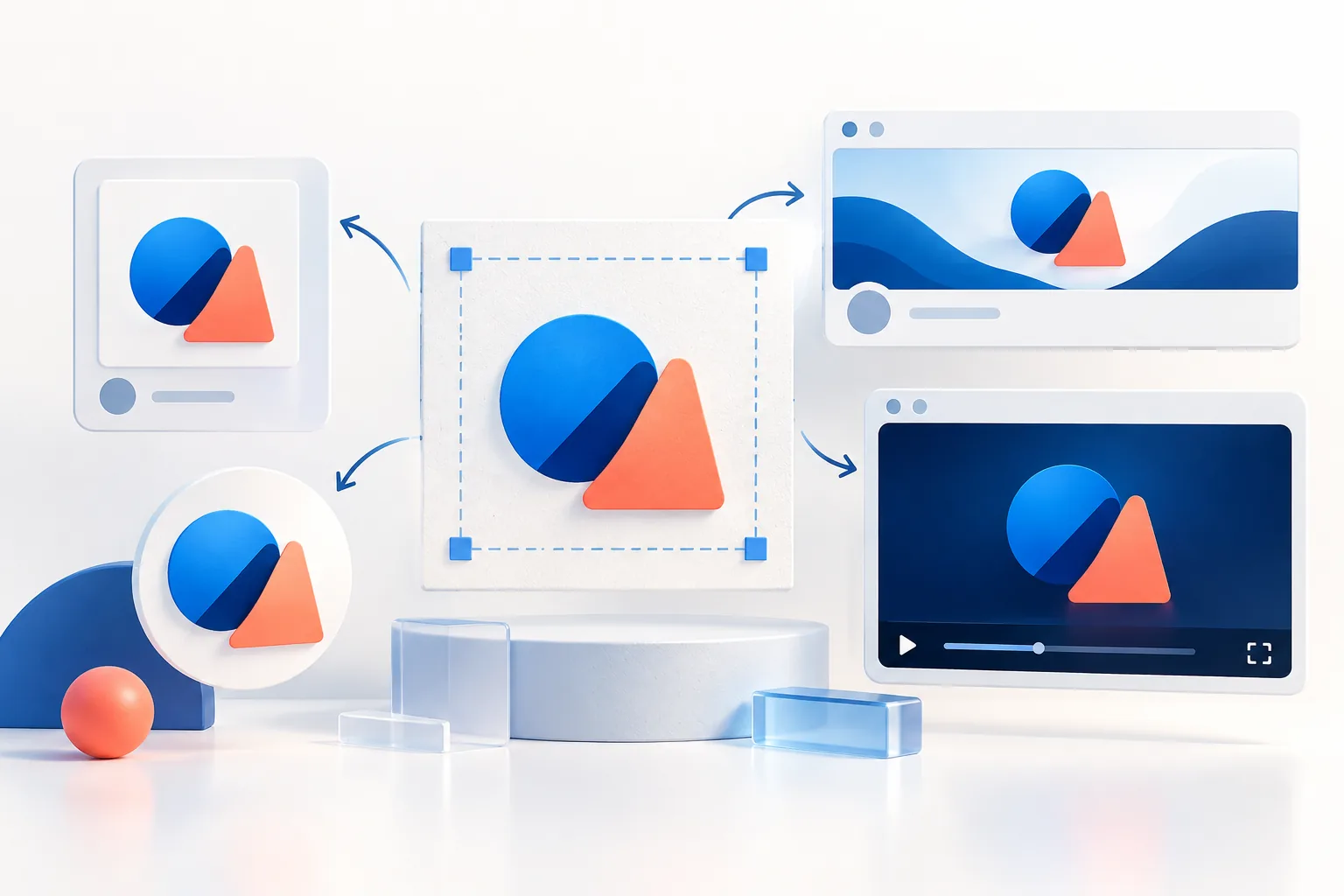
The right size. The right format. A clean export—without stretching your logo.
Local file processingBatch exportsPlatform presetsNo watermark
1 Add your logos
Drop logos here, or choose files
No upload to a conversion server. Your files stay on this device.
File and memory limits
Up to 20 files, 5 MB per file, 32 megapixels per decoded image and 64 megapixels across loaded images. Output canvases support sides up to 8000 px and up to 16 megapixels total. Large images may still exceed your device’s available memory.
3 Preview & export
300 × 300 px
Aa
Your logo, sized for its next destination.
Add an image to see the preview.
Preview is scaled to fit. Downloads use the exact output dimensions.
Need a multi-size pack?
From the team behind these free tools
Your logo is sorted. Is your website bringing in clients?
These tools are built by Webteqno, a web design and SEO studio with 9+ years and 200+ websites behind it. We help US small businesses look credible and get found on Google and in AI search.
Website design at a flat price, written scope, launched in 2–3 weeks
SEO and local SEO that gets you on page one where your customers search
Your logo is your brand identity, and getting its size right on every platform matters. Pro Logo Resizer helps you resize logos perfectly for web, social media, email, and print in seconds, and entirely in your browser. Nothing is uploaded to a server, so your files stay private.
How to Use This Tool
Upload your logo (PNG, JPEG, or WebP) - or drag and drop several at once.
Choose a canvas preset such as Square post or Wide banner, or enter custom dimensions. Check the destination’s current requirements.
Adjust padding, alignment, background, and quality - watch the live preview update.
Click Generate, or use Export All Sizes for the supported preset sizes.
Download each logo individually, or grab them all as a ZIP.
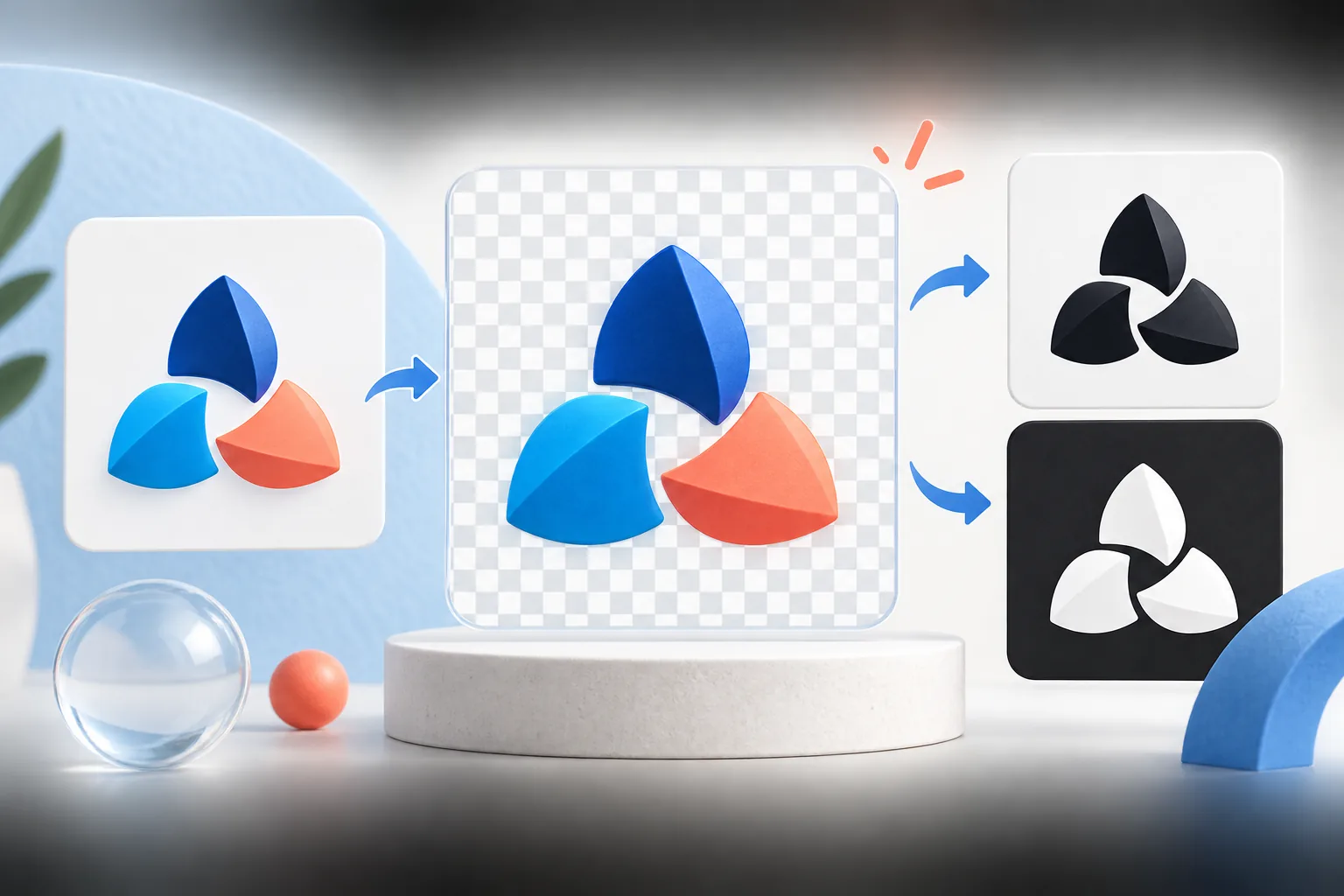
PNG - Best for logos with transparency. Lossless. Use for web, email, and presentations.
WebP - Supports transparency; file size depends on artwork and encoding. Compare the actual export with PNG before choosing.
JPEG - Only for logos with a solid background. Not recommended for transparent logos.
Logo Resizer questions
Is my logo uploaded to a server?
Selected image files are processed in your browser rather than uploaded to our server for conversion. The website still loads third-party services such as Google Analytics; see our Privacy Policy.
Can I batch resize multiple logos at once?
Yes. Select multiple supported images, generate the resized versions, and download them individually or as a ZIP. Check the output count before using the batch.
What's the best format for transparent logos?
PNG supports transparency and lossless compression. Enable Transparent Background when a transparent output is needed. JPEG does not support transparency.
Is the tool really free with no sign-up?
The tool is free to use without an account. The homepage accepts PNG, JPEG and WebP files up to 5 MB each; browser memory also limits practical batch size.
The resizer is built around one idea: the canvas changes, the logo does not stretch. You choose the output size the destination wants, and your logo is scaled proportionally to fit inside it with the padding you set. Here is what each setting does and when to change it.
Setting
What it does
Typical value
Canvas width × height
The exact pixel size of every exported file
The platform’s recommended size, or 2× the display size for websites
Keep logo proportions
Fits the logo inside the canvas without distortion
Always on
Padding
Empty space between the logo and the canvas edge
10–15% of the canvas for profile pictures; 0–5% for website header files
Alignment
Where the logo sits when the canvas is a different shape
Centre; left for banners where text will be added on the right
Format
PNG (lossless, transparency), JPEG (solid background), WebP (small web files)
PNG unless you have a reason not to
Transparent background
Keeps empty areas see-through
On for websites and documents; off (solid colour) for social profile pictures
Quality
Compression level for JPEG and WebP
85–92 for logos
Filename prefix
Names every export consistently; dimensions are appended
brand-icon or brand-horizontal
A worked example
Say you have a 1200 × 400 transparent PNG of a horizontal logo and need an 800 × 800 profile picture. Set the canvas to 800 × 800, padding to 15% (120 px each side), turn transparency off and pick your brand colour as the background. The logo is scaled to fit the 560 px wide inner area, so it becomes 560 × 187 — a downscale from 1200 px, so it stays sharp. The result is legible, but a horizontal logo in a square is always small; if your brand has an icon-only version, use that instead.
When the resizer cannot help
Resizing redistributes existing pixels. If the only file you have is smaller than the area the logo must fill, the export will be soft no matter which tool you use. Find a larger original or a vector, or trace a simple logo with Logo to SVG. Our guide to resizing without losing quality explains the math.