Short answer
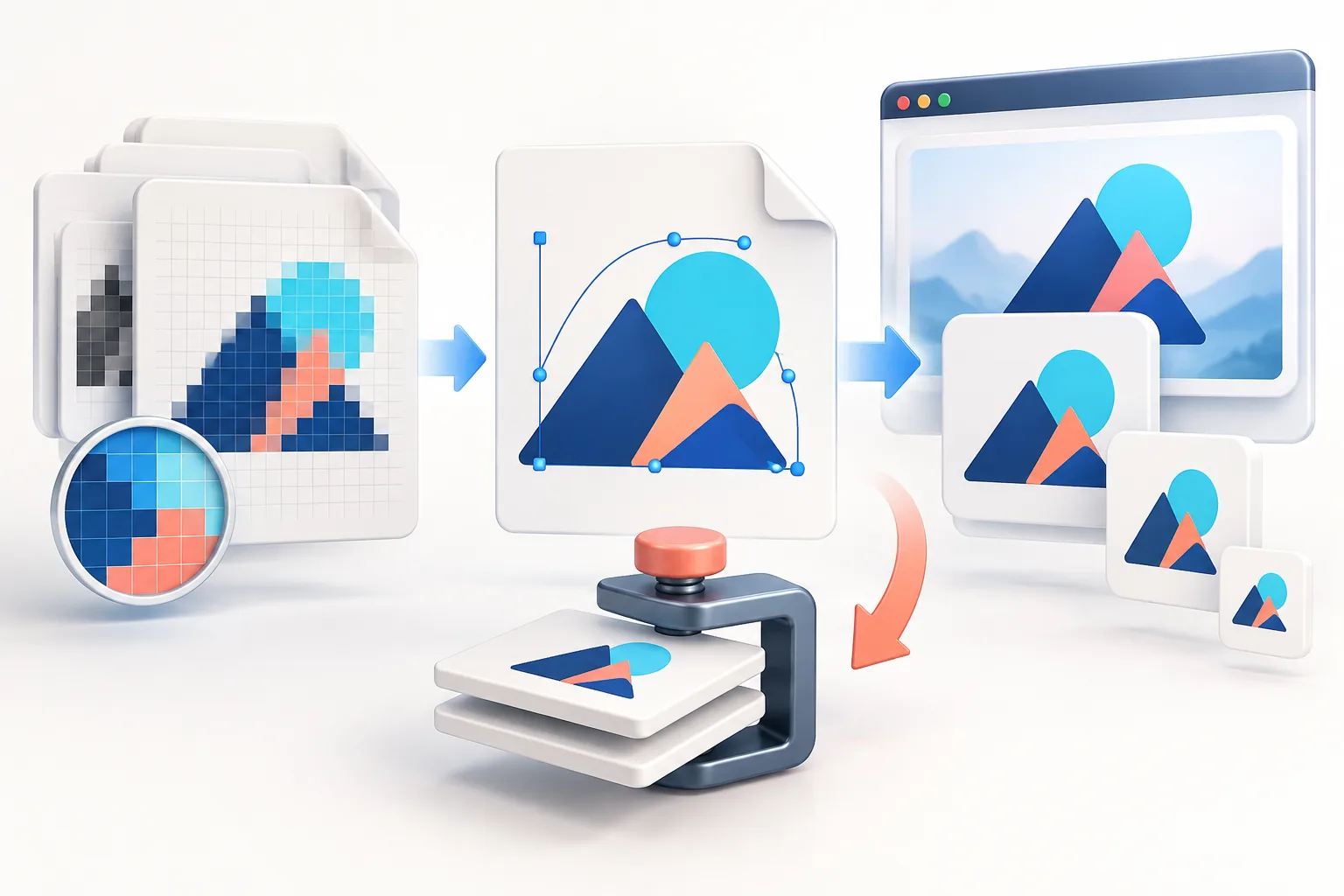
To create a favicon from a logo, start with a square version of your icon or initial (at least 512 × 512 px), add about 10% padding, and generate a set containing favicon.ico (16, 32 and 48 px), PNG icons at 16, 32 and 48 px, a 180 × 180 apple-touch-icon, 192 and 512 px Android icons and a site.webmanifest. Upload them to your site’s root folder and add the link tags to your <head>. For Google Search, the icon must be square and at least 48 × 48 px.
Key takeaways
- A favicon is a set of files, not one image: ICO, several PNGs, an Apple touch icon and a manifest.
- Use your icon or a single letter — full wordmarks are unreadable at 16 px.
- Google shows favicons in search results; they must be square, at least 48 × 48 px, and crawlable.
- Browsers cache favicons aggressively; test in a private window after changing one.
- An SVG favicon can switch colours for dark mode, but keep the PNG/ICO fallbacks.
The favicon files you actually need
Favicon advice online ranges from “one ICO file” to twenty-plus icons for every device ever made. In 2026 the practical set is small:
| File | Size | Used by |
|---|---|---|
favicon.ico | 16, 32 and 48 px inside one file | Legacy browsers, tools that request /favicon.ico automatically, bookmarks |
favicon-16x16.png | 16 × 16 | Browser tabs on standard screens |
favicon-32x32.png | 32 × 32 | Tabs on high-density screens, taskbar shortcuts |
favicon-48x48.png | 48 × 48 | Google Search results (minimum size), Windows |
apple-touch-icon.png | 180 × 180 | iPhone/iPad home-screen bookmarks |
android-chrome-192x192.png | 192 × 192 | Android home screen via the manifest |
android-chrome-512x512.png | 512 × 512 | Android splash/installed icon via the manifest |
site.webmanifest | JSON | Tells Android/Chrome the app name, colours and icons |
The Favicon Generator creates exactly this set from one image, plus the HTML to paste. It runs in your browser, so the logo is never uploaded.
Step 1: Simplify your logo for 16 pixels
A 16 × 16 favicon has 256 pixels in total — fewer than a single letter in your header logo. What survives at that size:
- An icon or symbol with bold shapes.
- A single letter (or two) from your name in a heavy weight, on a coloured square or circle.
- High contrast — the tab bar may be light or dark.
What does not survive: wordmarks, taglines, thin outlines, fine gradients and small details inside the mark. If your logo is a wordmark with no symbol, use the first letter in the brand typeface. Many well-known brands do exactly this.

Step 2: Choose padding and background
- Padding: around 10–12%. Edge-to-edge icons look cramped in tabs and are clipped by rounded masks on phones. The generator’s default of 12% works for most marks.
- Transparent or solid: transparent looks native in light browser tabs, but a dark icon can vanish in dark-mode tabs. A solid rounded square in your brand colour is the most robust choice.
- Apple touch icon: iOS fills transparency with black and applies its own rounded corners, so this one should always have a solid background and square corners — the generator handles that automatically.
Step 3: Upload the files and add the HTML
Upload every file to the root of your website (the same folder as your homepage), then add these tags inside <head>:
<link rel="icon" href="/favicon.ico" sizes="48x48">
<link rel="icon" type="image/png" sizes="32x32" href="/favicon-32x32.png">
<link rel="icon" type="image/png" sizes="16x16" href="/favicon-16x16.png">
<link rel="apple-touch-icon" sizes="180x180" href="/apple-touch-icon.png">
<link rel="manifest" href="/site.webmanifest">
Keeping favicon.ico at the root matters even with the tags: many crawlers, RSS readers and older browsers request /favicon.ico directly without reading your HTML.
Favicons in Google Search results
Google shows a favicon next to your site name in mobile and desktop results. Its guidelines are specific:
- The favicon must be square (1:1) and at least 48 × 48 px. Google recommends sizes that are multiples of 48 (48, 96, 144…).
- It must be crawlable — not blocked by robots.txt — and the homepage must reference it with a
rel="icon"link. - Use a stable URL; changing it frequently delays updates.
- It should visually represent your brand, and must not be inappropriate — Google replaces unsuitable icons with a generic globe.
Updates are not instant. After changing your favicon, it can take days or weeks for Google to recrawl and show the new one. Requesting indexing of the homepage in Search Console can speed it up.
Optional: an SVG favicon that adapts to dark mode
Modern Chrome, Edge and Firefox support SVG favicons, which stay sharp at any size and can react to the browser theme:
<link rel="icon" href="/favicon.svg" type="image/svg+xml">Inside the SVG, a <style> block with @media (prefers-color-scheme: dark) can switch the fill colour. Safari’s support is more limited, so keep the ICO and PNG files as fallbacks. If you only have a raster logo, see converting PNG to SVG first.
Adding a favicon in WordPress, Shopify, Wix and Squarespace
- WordPress: Appearance → Customize → Site Identity → Site Icon (or Settings → General in block themes). Upload a square image of at least 512 × 512; WordPress generates the smaller sizes and tags itself.
- Shopify: Online Store → Themes → Customize → Theme settings → Logo (or Brand) → Favicon image. Shopify recommends 32 × 32; upload a sharp square PNG. More in our Shopify logo guide.
- Wix: Settings → Website settings → Favicon (premium plans). Upload a square PNG.
- Squarespace: Design (or Site styles) → Browser icon / Favicon. Upload a square PNG at least 300 × 300.
- Custom sites: upload the full package and paste the HTML as described above.
Troubleshooting: my favicon is not changing
- Browser cache. Browsers keep favicons for a long time. Test in a private/incognito window, or open
/favicon.icodirectly and hard-refresh. - Wrong path. Open each linked URL in the browser; a 404 means the file is not where the tag says.
- Theme override. WordPress themes and plugins sometimes add their own icon tags. View the page source and search for
rel="icon"— there should be only one set. - CDN cache. If you use Cloudflare or similar, purge the cached favicon files.
- Google still shows the old one. Wait for a recrawl, and confirm the new icon meets the 48 px square rule.
Frequently asked questions
What size should a favicon be?
Provide several: favicon.ico containing 16, 32 and 48 px, PNGs at 16, 32 and 48 px, a 180 × 180 Apple touch icon and 192 and 512 px Android icons. Start from a square image of at least 512 × 512.
Can I make a favicon from a PNG logo for free?
Yes. Load a square PNG into the Favicon Generator; it creates the ICO, PNG icons, Apple and Android icons, a web manifest and the HTML tags in one ZIP, all in your browser.
Does Google require a specific favicon size?
Google requires a square favicon at least 48 × 48 px, and recommends multiples of 48. It must be crawlable and linked from the homepage with rel="icon".
Where do I put favicon files?
In the root folder of your website, next to your homepage, and reference them with link tags in the page head.
Why is my old favicon still showing?
Browsers and CDNs cache favicons heavily. Test in a private window, purge your CDN cache, and allow time for Google to recrawl.
Should my favicon have a transparent background?
It can, but a dark icon may disappear in dark-mode tabs. A solid brand-colour square is safer, and the Apple touch icon should always be solid.
Tools used in this guide
All tools run in your browser; your image files are not uploaded to our server.
Sources checked for this guide
- Google Search Central: define a favicon to show in search results
- MDN: web app manifest
- Apple Human Interface Guidelines: icons
- WordPress documentation: site icons
Platform upload rules change. We re-check the sources above when we update a guide; if you spot something out of date, send a correction.