Short answer
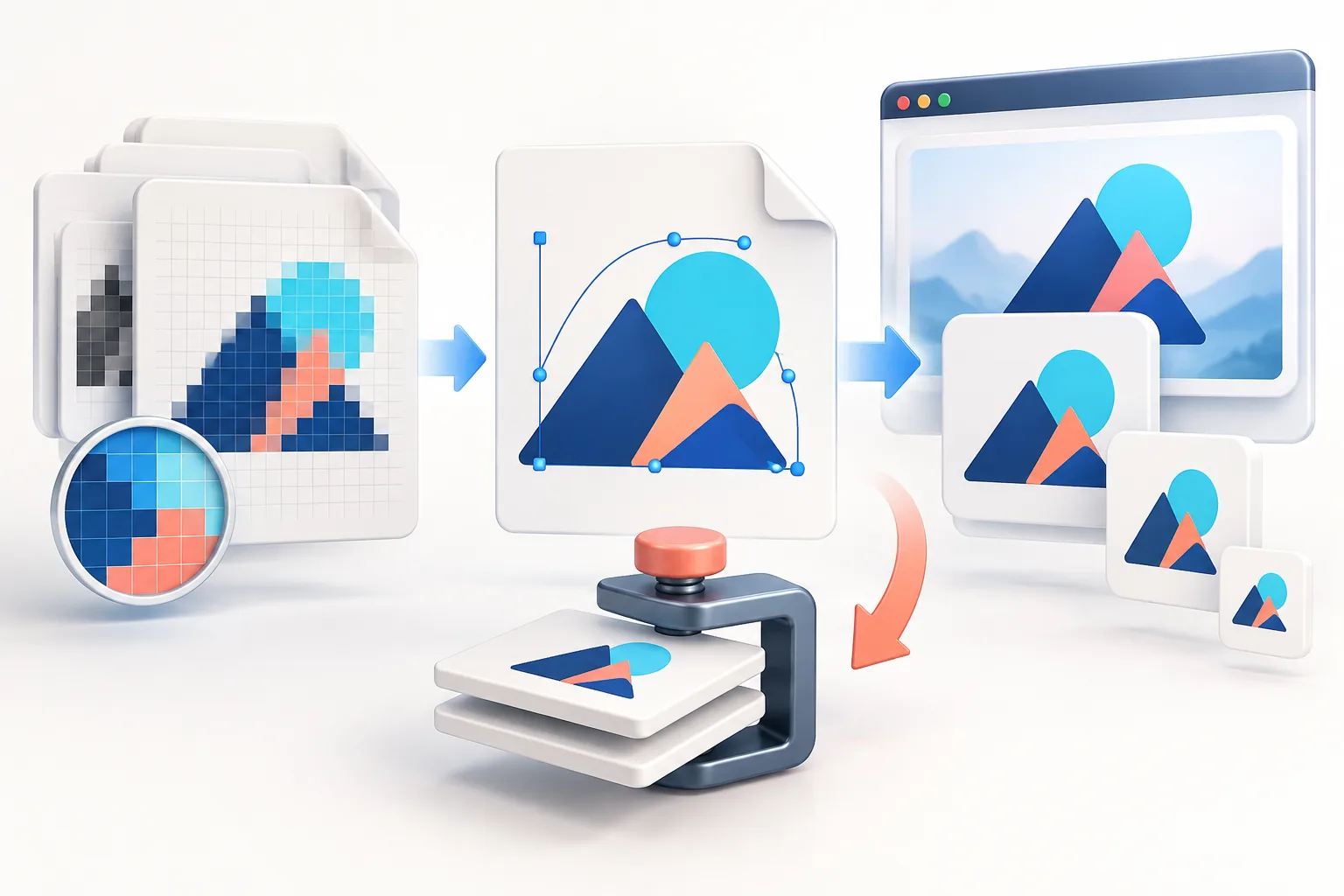
A small-business logo kit needs three layouts (horizontal, stacked and icon-only), three colour versions (full colour, white and black), and exports for five destinations: website, social profiles, email, favicon and print. Batch-export the web and social sizes from one high-resolution transparent PNG or SVG, name every file brand-layout-colour-widthxheight.format, and store them in folders by use so anyone on the team can find the right file in seconds.
Key takeaways
- Start from one master: a vector or a transparent PNG at least 2000 px wide.
- Plan versions before sizes — horizontal, stacked and icon; colour, white and black.
- Export in batches by destination (social, web, email, favicon) rather than one file at a time.
- A strict naming pattern prevents “final-logo-new-v3.png” chaos.
- Ship a one-page brand sheet with hex codes and clear-space rules alongside the files.
Why a logo kit beats one-off resizing
At Webteqno we build websites for small businesses, and almost every project starts the same way: the client sends a logo pulled from their Facebook page, 400 pixels wide, on a white JPG background. Then it turns out the sign company has a vector, the old web designer had a transparent PNG, and nobody knows which green is the “real” green. The logo is fine — the files are the problem.
A logo kit fixes this once. You make every version from the best master, give each file a predictable name, and put them where the whole team can find them. The next time someone needs a Google Business Profile logo or a sponsor asks for “a high-res PNG on transparent”, the answer takes ten seconds.
Step 1: Decide which versions you need
Sizes come last. First decide on the layouts and colour versions — the combinations every size is exported from.
Layouts
- Horizontal (primary) — icon beside the name. Website headers, email signatures, invoices, letterheads.
- Stacked — icon above the name. Square-ish spaces like event banners, packaging and merch.
- Icon / monogram only — social avatars, favicons, app icons, watermarks. If your logo has no separate icon, a single initial in your brand font on a coloured square works well.
Colour versions
- Full colour on transparent — the default.
- White on transparent — for dark photos, dark website footers and video watermarks.
- Black on transparent — for single-colour print, stamps, fax cover sheets, engraving and forms.
Three layouts times three colour versions gives nine masters. Most small businesses genuinely use at least six of them within the first year. If you only have one full-colour master, the Logo Color Changer can produce clean white and black versions in one ZIP — our guide to white, black and transparent logos covers the edge cases.
Step 2: The file list, by destination
This is the kit we hand over on client projects. Sizes are working canvases — platforms change their rules, so the linked guides explain the current requirements and what to check.
| Destination | File | Canvas | Format | Version |
|---|---|---|---|---|
| Website | Header logo | 2× display size (e.g. 400 × 120) | SVG or PNG/WebP | Horizontal, colour |
| Footer / dark section logo | Same as header | SVG or PNG | Horizontal, white | |
| Favicon package | 16 → 512 px set | ICO + PNG + manifest | Icon | |
| Social | Profile picture | 800 × 800 | PNG | Icon on brand colour |
| X / LinkedIn banners | 1500 × 500 · 1584 × 396 · 4200 × 700 | PNG or JPG | Horizontal | |
| YouTube banner | 2560 × 1440 | PNG or JPG | Horizontal | |
| Link preview (Open Graph) | 1200 × 630 | PNG or JPG | Horizontal | |
| Signature logo | 2× display (e.g. 360 × 120) | PNG, under 50 KB | Horizontal | |
| Local & commerce | Google Business Profile | 720 × 720 | PNG or JPG | Icon or stacked |
| Shop / marketplace icon | 500 × 500+ | PNG | Icon | |
| Master artwork | Vector | SVG + PDF (or EPS) | All | |
| Video | Watermark | 150 × 150 up to ~400 × 400 | PNG | Icon, white |
For the full platform-by-platform list see logo sizes for social media and the size presets directory.
Step 3: Batch-export instead of resizing one by one
The fastest way to build the kit is to group exports by master, not by destination:
- Load the icon master into the Logo Resizer. Set padding for circular crops (around 12–15% of the canvas), choose a background colour or transparency, then use Export All Sizes. You get the square social sizes in one ZIP.
- Load the horizontal master and export the wide canvases: header, banners, Open Graph card and email signature. Because the Resizer keeps proportions, a wide logo simply sits centred on each wide canvas.
- Repeat with the white master for anything that will sit on a dark background.
- Generate the favicon package from the icon master with the Favicon Generator — it produces the ICO, PNG sizes, Apple touch icon, Android icons and the HTML tags in one download.
The Resizer accepts up to 20 files at once, so an agency can load several client logos, set a canvas, and export them all with identical padding. This is how we normalise sponsor and partner logos before building a “trusted by” strip — the Logo Grid Maker then balances their visual weight automatically.
Step 4: Name files so anyone can find them
A consistent naming pattern is the difference between a kit and a pile. We use:
brand-layout-colour-WIDTHxHEIGHT.format
For example:
brightside-horizontal-colour-400x120.pngbrightside-icon-white-800x800.pngbrightside-stacked-black-vector.svg
Lower-case, hyphens instead of spaces, no words like “final” or “new”. The Logo Resizer’s Filename prefix field handles the first part and appends the dimensions automatically, so batch exports come out correctly named.
Step 5: Organise the folders
Put the kit in a shared drive with this structure:
01-master/— vectors and 2000 px+ PNGs. Nobody uploads from here directly.02-web/— header, footer, favicon package, Open Graph image.03-social/— profile pictures and banners, one sub-folder per platform.04-email/— signature logo plus the hosted URL in a text file.05-print/— PDF/EPS/SVG for printers, embroidery and signage.brand-sheet.pdf— one page with colours, fonts and rules.
Step 6: Add a one-page brand sheet
Files alone do not stop someone from putting the colour logo on a clashing background. A single page with the essentials does:
- Colours — hex codes for the primary and secondary colours. The Palette Extractor pulls exact hex values from your logo if nobody wrote them down.
- Clear space — the minimum empty space around the logo (commonly the height of the icon or one capital letter).
- Minimum size — the smallest width at which the horizontal logo is still legible, e.g. 120 px on screen or 25 mm in print. Below that, use the icon.
- Don’ts — no stretching, no recolouring outside the approved versions, no drop shadows, no placing the colour logo on busy photos.
- Contrast — which version to use on light versus dark backgrounds. Check text colours with the Contrast Checker.
Handing a kit to clients (for agencies and freelancers)
If you deliver logo kits to clients, a few extra habits prevent support requests later:
- Include a
README.txtthat says, in plain words, which folder to use for what. - Deliver vectors as both SVG and PDF — printers often ask for PDF, developers for SVG.
- Strip unnecessary metadata before handover. Exported files can carry editor names, file paths or AI-generation tags; the AI Metadata Remover cleans PNG, JPEG, WebP and SVG files locally.
- Date the ZIP (
brightside-logo-kit-2026-09.zip) so everyone knows which kit is current.
Keeping the kit up to date
Platforms revise image specs every year or two. Rather than re-exporting everything, check the destinations you actually use once a year and re-export only what changed. Because the masters are untouched, every re-export is as sharp as the first. If you ever refresh the logo itself, replace the masters first, then batch the whole kit again — it takes about as long as making a coffee.
Frequently asked questions
What logo files should a small business have?
At minimum: a vector master (SVG or PDF), a transparent PNG of the horizontal logo, an icon-only version for profiles and favicons, white and black single-colour versions, a favicon package and a lightweight email signature logo.
Can I batch resize logos for free?
Yes. The Logo Resizer accepts up to 20 PNG, JPEG or WebP files at once, applies the same canvas and padding to all of them, and downloads the results as a ZIP. Files are processed in your browser.
How should I name logo files?
Use a predictable lower-case pattern such as brand-layout-colour-widthxheight.png, for example acme-icon-white-800x800.png. Avoid words like final or new.
What is the difference between a horizontal and stacked logo?
A horizontal logo places the icon beside the name and suits wide spaces like website headers. A stacked logo places the icon above the name and suits square or tall spaces.
Do I need a vector logo if I only use it online?
You do not strictly need one, but you should keep one. A vector lets you export any future size without quality loss and is required by most printers, sign makers and embroiderers.
Tools used in this guide
All tools run in your browser; your image files are not uploaded to our server.
Sources checked for this guide
- Google Search Central: favicon guidelines
- The Open Graph protocol
- W3C: Understanding WCAG contrast (minimum)
Platform upload rules change. We re-check the sources above when we update a guide; if you spot something out of date, send a correction.