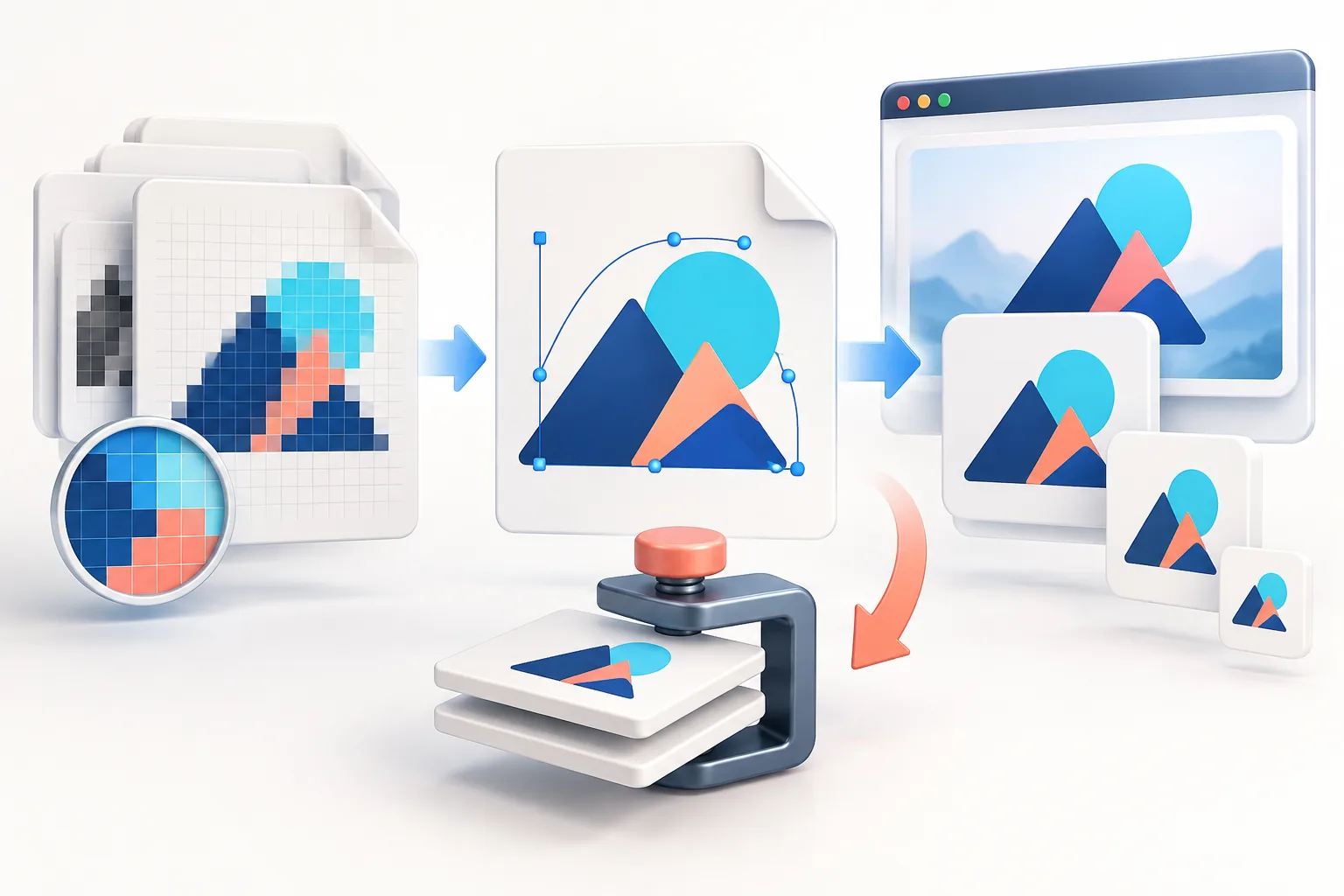
Short answer
Keep a QR code logo to about 15–25% of the code’s width (roughly 2–6% of its area) and generate the code with error correction level H, which can recover about 30% of damaged data. Put the logo on a solid pad, never cover the three corner finder squares, keep a quiet zone of at least 4 modules around the code, use dark modules on a light background, and test the final printed size with several phones.
Key takeaways
- Error correction level H recovers about 30% of codewords — that is what lets a logo cover the centre.
- A logo 15–25% of the code’s width is the practical safe range; bigger needs careful testing.
- Never cover the three finder squares or the quiet zone.
- Shorter URLs make simpler codes with bigger modules — more tolerant of logos and small print sizes.
- Rule of thumb for print: code width ≥ scanning distance ÷ 10, and at least 2 cm.
Why a QR code still works with a logo on it
QR codes include redundant data using Reed–Solomon error correction, the same family of techniques used on CDs. When part of the code is damaged — scratched, dirty or covered by a logo — the scanner reconstructs the missing data from the redundancy. The QR standard defines four levels:
| Level | Recovers about | Trade-off |
|---|---|---|
| L (Low) | 7% of codewords | Smallest, simplest code |
| M (Medium) | 15% | Common default |
| Q (Quartile) | 25% | More modules |
| H (High) | 30% | Most modules; best for logos |
Two nuances matter. First, those percentages refer to codewords (chunks of data), not a percentage of the image you can safely cover — damage is not spread evenly, and the logo also removes some module edges scanners rely on. Second, error correction you use up for the logo is no longer available for real-world damage like glare, creases or a dirty sticker. That is why the safe logo size is well below 30%.
Our QR Code Generator always uses level H for this reason.
How big can the logo be?
Measure the logo against the code’s width (excluding the quiet zone):
- 15–20% of the width (about 2–4% of the area): safe for almost all codes and scanners.
- 20–25% (about 4–6% of the area): generally fine at level H with good contrast; test carefully.
- Over 25–30%: frequently fails on some phones, especially at small print sizes or in poor light. Only with extensive testing.
The generator’s default is 22%, with a solid background pad behind the logo. The pad matters: it gives the logo a clean edge instead of letting logo pixels merge with data modules, which confuses scanners more than a neat blank square does.
Parts of the code you must not cover
- Finder patterns — the three large squares in the corners. Scanners use them to locate and orient the code. Covering or restyling them is the fastest way to break it.
- Alignment pattern(s) — smaller squares, usually near the bottom-right on larger codes.
- Timing patterns — the alternating dotted lines between the finder patterns.
- Quiet zone — the blank margin around the code. The standard asks for 4 modules. Do not let the code touch a border, text or a busy background.
The centre of the code holds only data and error correction, which is why logos go there.
Contrast and colour
- Dark modules on a light background. Inverted codes (light on dark) are not supported by every scanner.
- Strong contrast. Brand colours are fine if they are dark enough — navy, dark green, deep red. Pale colours, yellows and gradients reduce reliability.
- Transparent background is fine only if what is behind the code is plain and light.
Keep the data short
A QR code grows more modules as it holds more characters. A long URL with tracking parameters might need a 45 × 45 grid; a short URL might fit in 25 × 25. Fewer modules means each module is bigger at the same print size, which makes the code more tolerant of the logo, blur and distance. Tips:
- Link to a short, stable URL on your own domain (e.g.
yourbrand.com/menu) and redirect from there. You can change the destination later without reprinting. - If you need campaign tracking, put the UTM parameters on the redirect target, not in the printed URL. The UTM Link Builder helps you build the full link.
Printed size: rules of thumb
- Minimum: about 2 × 2 cm (0.8 in) for close-range scanning, such as business cards. With a logo, 2.5 cm is safer.
- Distance rule: the code’s width should be at least one-tenth of the scanning distance. For a poster read from 2 m away, make the code 20 cm wide.
- Format: export SVG for print so edges are perfectly sharp at any size. For screens, a PNG at 1024 px or larger is plenty.
- Material: glossy lamination and curved surfaces (cups, bottles) cause glare and distortion — size up and test on the actual material.
Static vs dynamic QR codes
A static code encodes your URL directly. It never expires and needs no third-party service — that is what our generator creates. A dynamic code encodes a short link run by a QR service, which lets you change the destination and view scan stats, but stops working if you cancel the subscription. You can get most of the benefit of dynamic codes with a static code pointing to a redirect on your own domain.
Testing checklist before printing
- Scan the file on screen with at least two phones (iPhone camera and an Android camera or Google Lens).
- Print a test at the final size on the final paper and scan it in normal indoor light.
- Scan from the realistic distance and a slight angle.
- Check the destination loads correctly on mobile data, not just Wi-Fi.
- If any scan is slow, reduce the logo size, shorten the URL or increase the printed size.
Frequently asked questions
How big can a logo be in a QR code?
Keep it to about 15–25% of the code’s width, roughly 2–6% of the area, with error correction level H. Larger logos need careful testing and often fail on some phones.
What error correction level should I use for a QR code with a logo?
Level H, which can recover about 30% of codewords. It gives the most tolerance for a logo covering the centre.
Why won’t my QR code with a logo scan?
Common causes: the logo is too large, it covers a finder square, the quiet zone is missing, contrast is low, the code is printed too small, or the URL is so long the modules are tiny.
What is the minimum print size for a QR code?
About 2 × 2 cm for close scanning, and larger with a logo. As a rule, make the code at least one-tenth as wide as the scanning distance.
Do QR codes with logos expire?
Static QR codes, like those from our generator, never expire because the URL is encoded directly. Dynamic codes depend on the service that runs them.
Should I use PNG or SVG for a QR code?
SVG for print, because it stays perfectly sharp at any size. PNG at 1024 px or more is fine for screens and documents.
Tools used in this guide
All tools run in your browser; your image files are not uploaded to our server.
Sources checked for this guide
- ISO/IEC 18004:2015 — QR Code bar code symbology specification
- DENSO WAVE: QR code error correction feature
- DENSO WAVE: QR code quiet zone and module size
Platform upload rules change. We re-check the sources above when we update a guide; if you spot something out of date, send a correction.